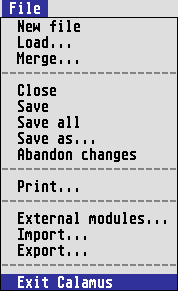
Not only is this the last item in the File menu, it's also the last in the whole program. If you click on this menu item, Calamus will terminate. Before it does, however, a dialog box will appear giving you the opportunity to save your document(s).
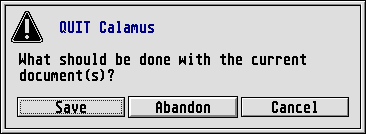
When you quit Calamus SL, you will be asked what to do with any documents that are still open. Calamus also checks for any data in the clipboard. If Calamus finds at least one entry on the clipboard, you will be given the opportunity to cancel quitting Calamus. (With LIBerty, the optional advanced clipboard module, you will be able to save the clipboard data when quitting.)
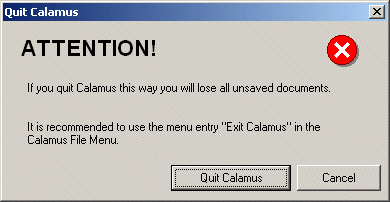
Attention: The SL WindowsPack version of Calamus normally runs in a normal MS Windows desktop window (though FullScreen mode is also possible.) If you use the Closer gadget of the Calamus desktop window for quitting Calamus, the security mechanisms of Calamus are not activated, so that neither documents nor clipboard data are saved beforehand and you could well lose them. You will be informed by an appropriate alert in this case.