The name of the Mac OS printer driver with the addition
(MacPrint)
will be displayed here. The name of the printer
actually connected is not accessible externally
with some
drivers (including the LaserWriter
driver among others) and
therefore can not be displayed in such cases.
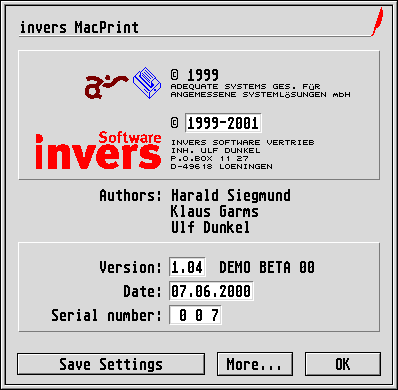
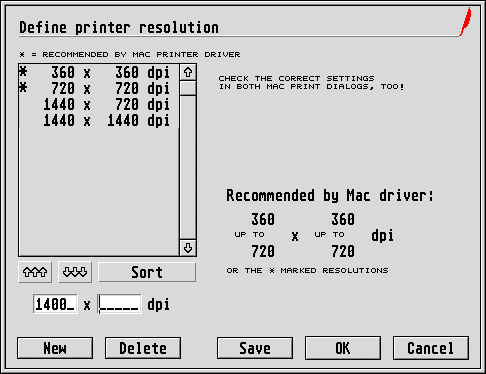
This button calls up the MacPrint resolution dialog. In this dialog you can save all current driver settings as well.
This setting determines the data format that Calamus SL should create for output. For correct colour printing, in particular, the settings of the Mac OS driver are relevant as well.
With this button you call up directly the Paper format
dialog of the current Mac OS printer driver. Here you can choose not
just the paper formats available for this printer, but with many
printer drivers you can also perform certain driver-specific
preliminary settings.
In the Calamus dialog the button is always labelled with the currently selected format.
Warning: The settings changed here are saved in the
MacPrint Setup file as a rule (very few Mac OS drivers use their own
Preferences file for this). To do this you have to use Save
in
MacPrint's Resolution or Info dialog.
Set printing)
Here you will find not only the selection for paper feed, but
the complete Print
dialog of the Mac OS driver. That is why the
button is labelled Set printing
.
Other. A click on this button also calls the
Set printingdialog of the Mac OS.