This icon converts the source frame into a 1-bit monochrome image
frame. After you click on the Convert
icon (see below) you will
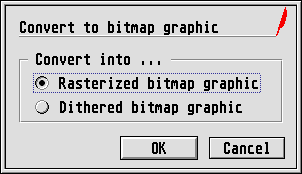
be asked to define whether the source frame shall be rasterized with
the raster settings valid for it (see Raster generator module) or
should be dithered with the Ordered dithering method.