


Now the dialog should almost look like in the following screen shot:
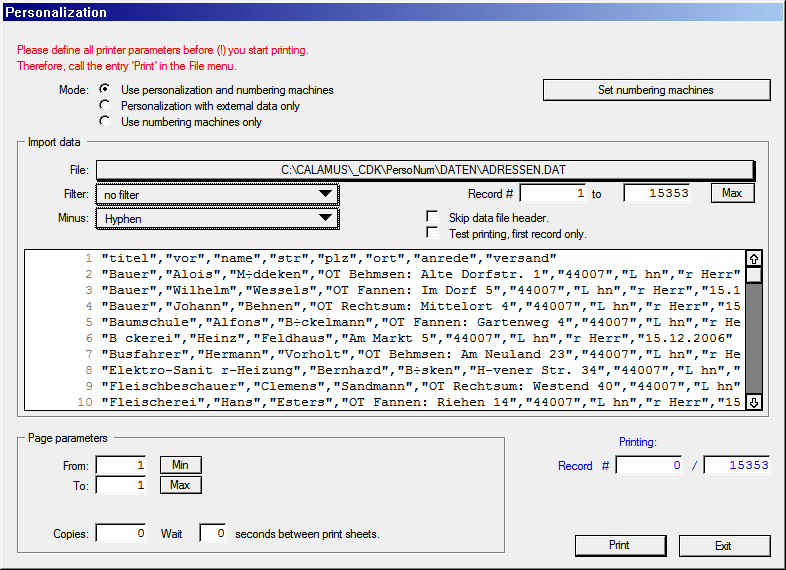
A lot has changed. You will see at first glance that a large
quantity of address data has bean read (our example has more than
15'000 addresses) with the first ten of them being shown. Did you
already recognize that some umlauts
in the shown data are
wrong?
Select one of the available ASCII conversion filters in the Filter
pop-up menu above the preview list, e.g. Windows > Calamus
.
Then the umlauts in the shown data records should look fine, as they
will be printed like shown here.
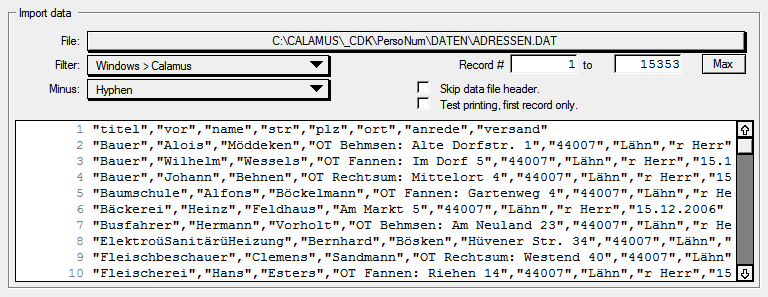
That's better, but in the 8th record is something wrong in the first data field. Do you see it?
Select another hyphen option from the Minus pop-up menu above,
e.g. Minus
. Subsequently, the hyphens should look right in this
field (and in the possibly elsewhere still occurring data fields).
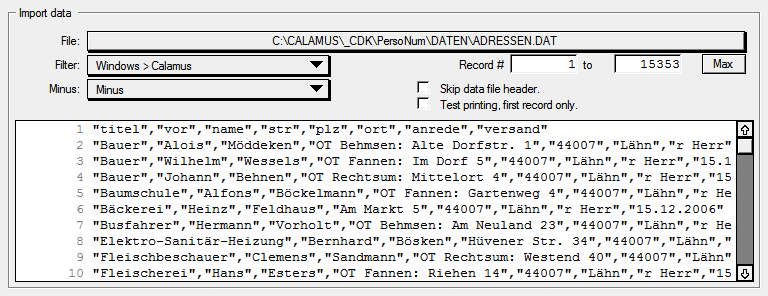
As you can see in our example, the file has a data file header,
i.e. a first data record which reflects the used data field names of
the database. Because you usually won't use this data record for
personalization, just switch it off. Therefore, click the checkbox
Skip data file header
. Afterwards, the number of available data
records has been automatically decreased and the first record is no
longer shown in the preview.
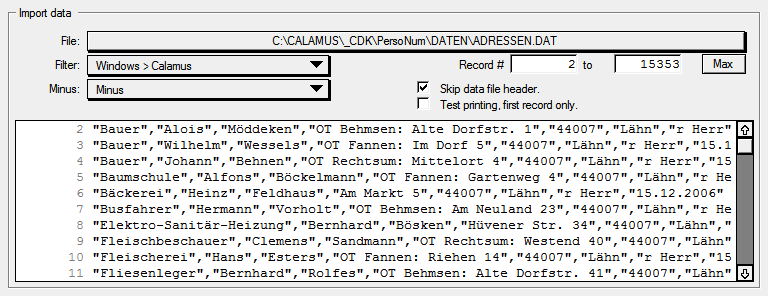
You can still use the now faded data file header e.g. if you want to test whether the data field placeholders that you have used in the document will be filled with the correct data field contents.
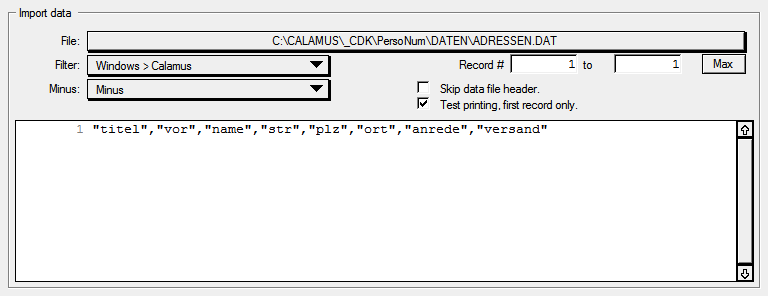
Or you simply use the first sensible data record for test printing. Everything's possible.
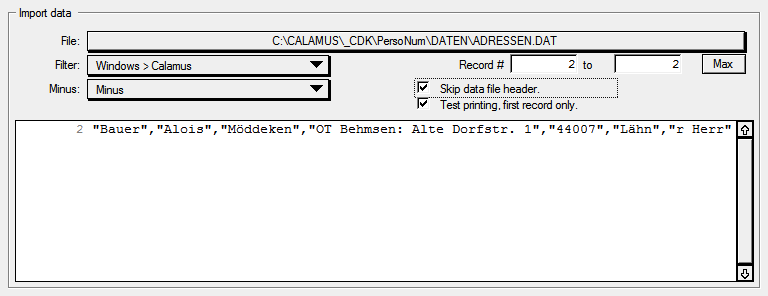
You can also define which records to be output by entering number
values in the area Record # xxxxxxx to xxxxxxx [Max]
. Please
keep in mind that you can even output multiple data records on a page
or in a document at the same time. If you have assigned e.g. 8
business card address data records on a document page, you will need
13 print sheets for 100 different business cards. (The last printed
sheet will show the placeholder texts for those fields which could not
be filled with data field contents any more.)

