


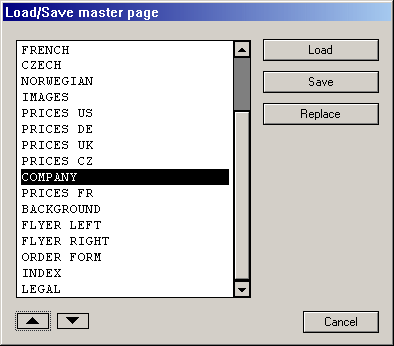
This function allows you to load or save one or more master
page(s) to hard or floppy disk. You can also replace one master page
with another. When you click on this icon, the usual object selector
that was described in the introductory section will appear, though it
only has the buttons Load
, Replace
and Save
. If
you want to load a master page, click on the Load
button and
select the corresponding file in the file selector.
During this it is possible that one of the new master pages has
the same name as one already in your document. In that case an alert
box will appear as described in an earlier chapter Two elements
with same name
.
To replace a master page, select it and click on Replace
.
You can then choose a master page from the list.
Saving a master page is equally simple: Select the page and click
on the Save
button. The file selector will appear allowing you
to give the file a name. Master page files use the extender
CSS
.
