


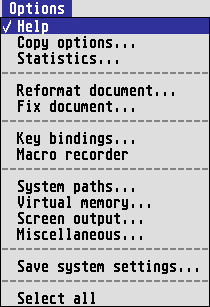
This menu item switches the Help messages on and off. A tick in the menu indicates that this function is active.
In the top right corner of the menu bar, Calamus can display a brief description of a function as the mouse passes over the related icon or menu entry.

In the SL Windows Pack, the help text appears in the usual Windows fashion in the window information line at the bottom left (provided that you haven't chosen to run Calamus in full screen mode).

