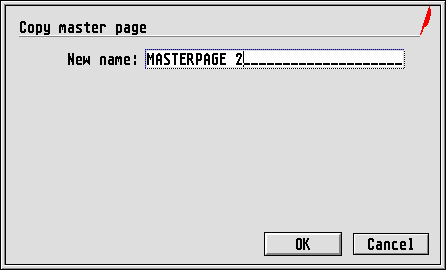
This function allows you to copy a master page. The Copy
options
from the Options menu will be taken into account. Virtual
copies will naturally apply only to the frames on the master page. In
practice this means that if, for example, you want the same logo to
appear on several master pages, create a master page containing this
frame and make virtual copies of it. You can then change the layout of
the frames on the copies. The important thing is that the frame
contents with the logo needs to be imported or created only once. Any
changes to the contents of this frame will than be duplicated on all
other master pages (and so also on all other document pages).