


To copy an existing layer, click once on this icon. This copies
the layer complete with all the frames it contains. The copy is always
a physical copy, not affected by the Copy options
setting in
the Options menu!
A dialog opens in which you can set the parameters of the copied layer.
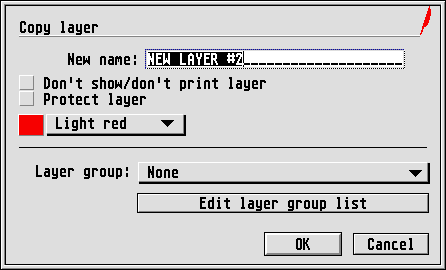
Apart from the title line, this dialog corresponds to the one appearing when creating a new layer. We will therefore forego describing the individual parameters once again.
