


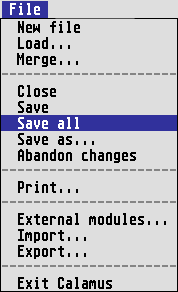
This menu item is the fastest way to save all open documents that
are currently held in memory. You may also use it to save all current
changes to floppy/hard disk before continuing work. If you have
instructed Calamus to make automatic backup copies of your document
(see the Miscellaneous settings
menu entry in the Options
menu), all open documents will be automatically saved at the chosen
interval.
The fastest way to quit Calamus without losing your work is to
select this Save all
entry, select Exit Calamus" directly
after and then select the
Abandon" button in the alert box which
appears. It is safe to do this because all documents have already been
saved.
