


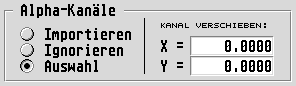
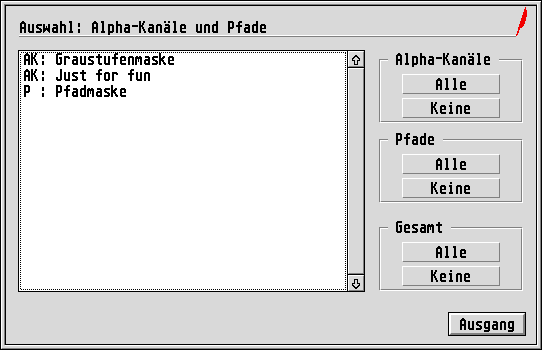
A TIFF file may contain one or more additional layers (or
channels
) that are intended, for example, as a soft mask
(Select
). If desired Tiffie places such additional channels as
separate raster graphics frames on the page, so that they are
available for further modification with the Merge, Filter and Paint
modules, for instance. Optionally Tiffie can even use the first alpha
channel automatically as a mask (see Masking
section).
You can define how Tiffie should handle such additional channels:
If desired, Tiffie offsets the newly created frames for the additional layers by an adjustable distance, so that even with unknown TIFF files you can recognize immediately that further layers are present. However by default the offset value of these frames is set to zero.

